
-60%





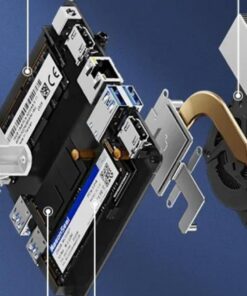
Mini Pc Nucbox G3 Plus Intel Twin Lake N150 Ddr4 Nvme Ssd Wifi6 Bt5.2 2.5g Rj45
Price range: €237,49 through €457,39
- Hurry up! Only a few discounted items left in stock!
✅ Free shipping
✅ Returns accepted
✅ Processing Time: 1-3 business days
Description
Mini PC – Intel N150 | DDR4 | NVMe SSD | 4K Dual Display | Windows 11 Pro | WiFi 6 | 2.5G LAN
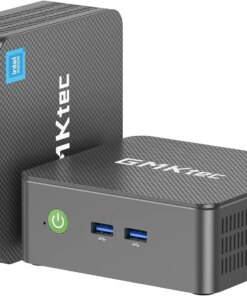
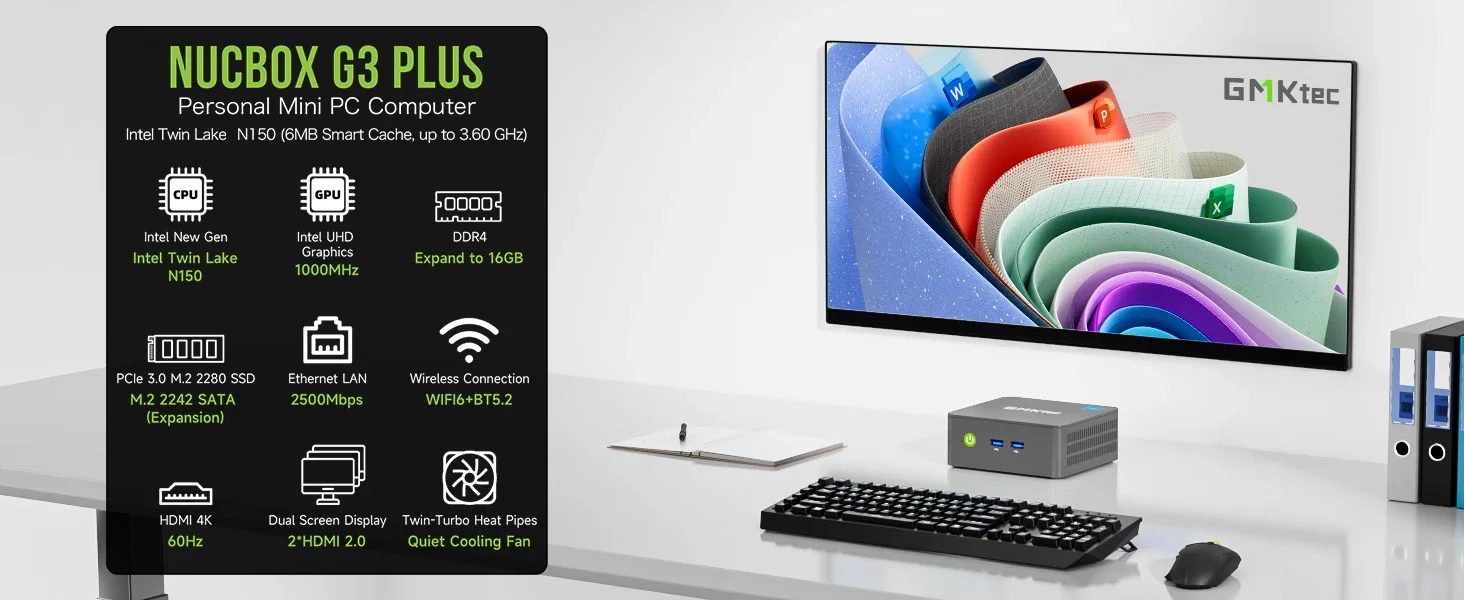
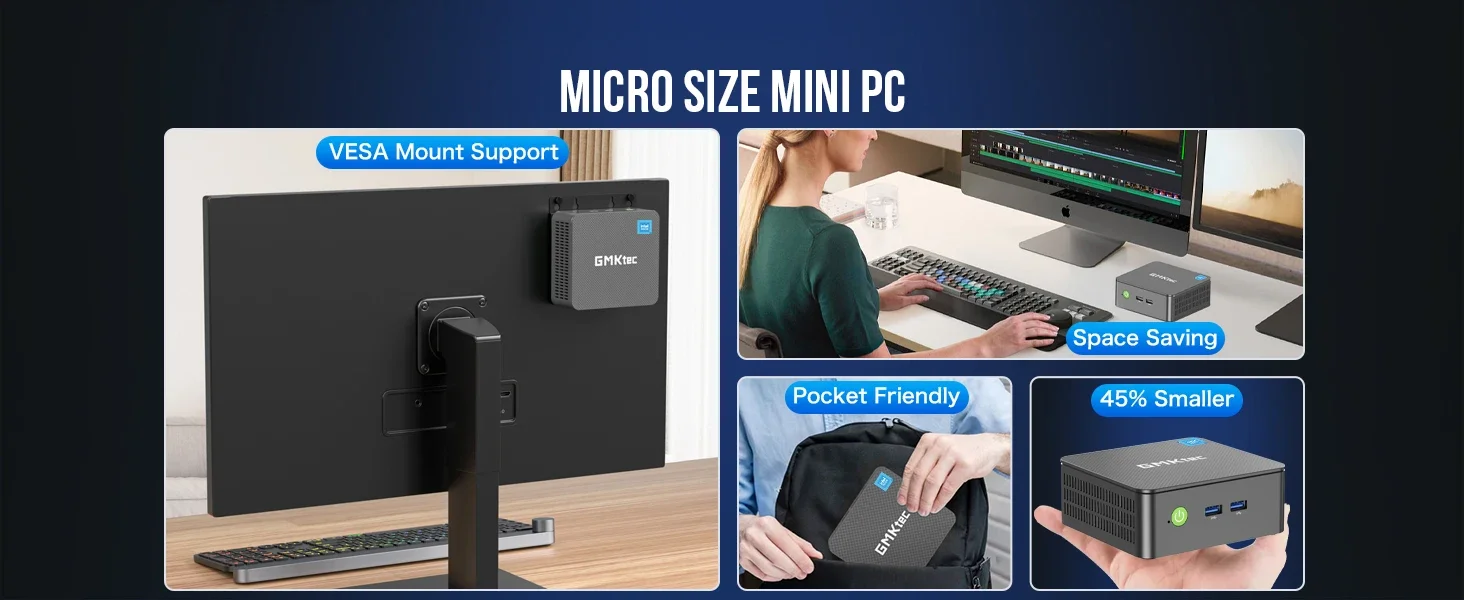
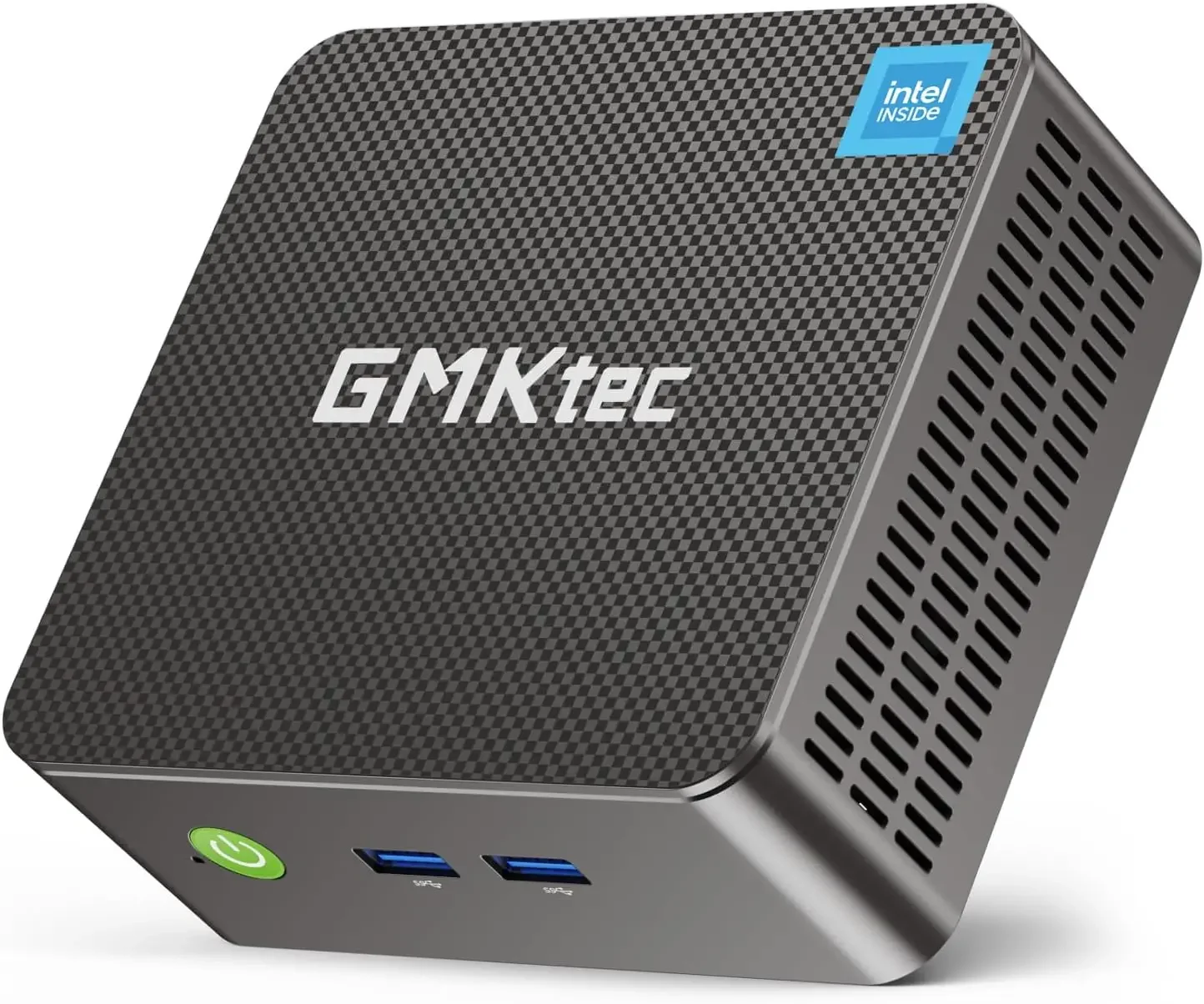
Elevate your computing with the GMKtec Nucbox G3 Plus, a powerful and compact mini PC. Featuring the upgraded Intel N150 processor, this desktop is perfect for office work, home entertainment, and everyday tasks.
Key Features:
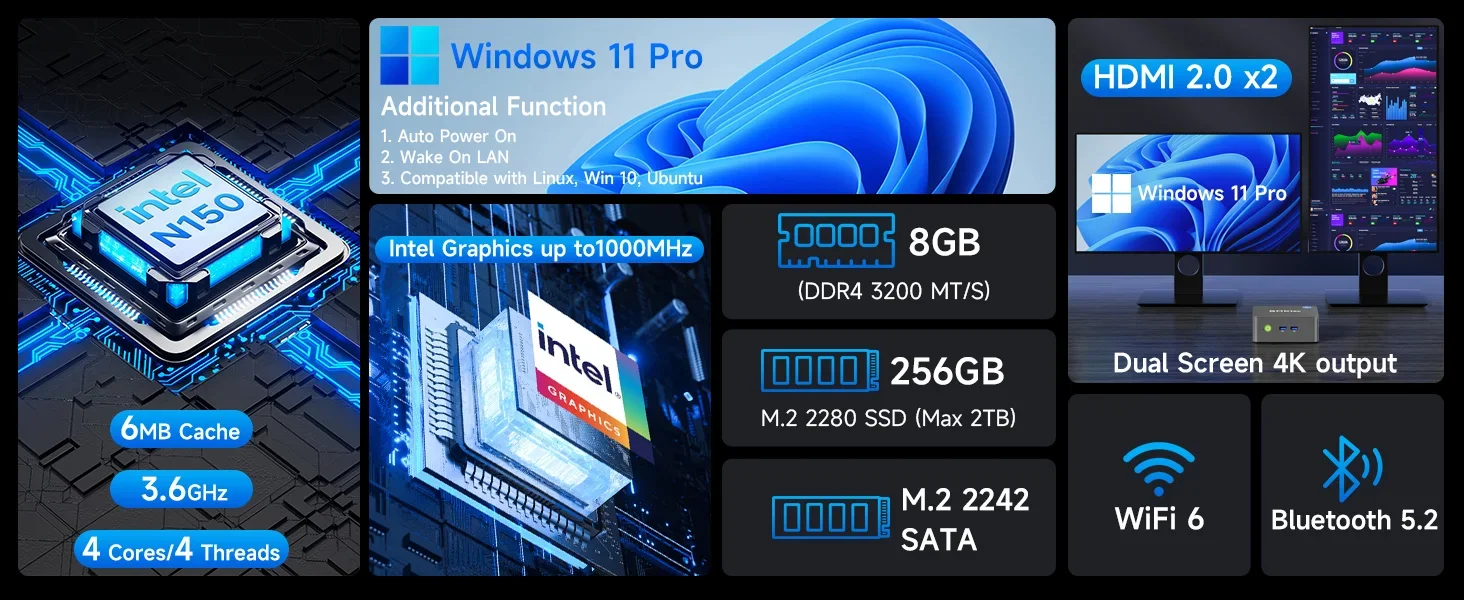
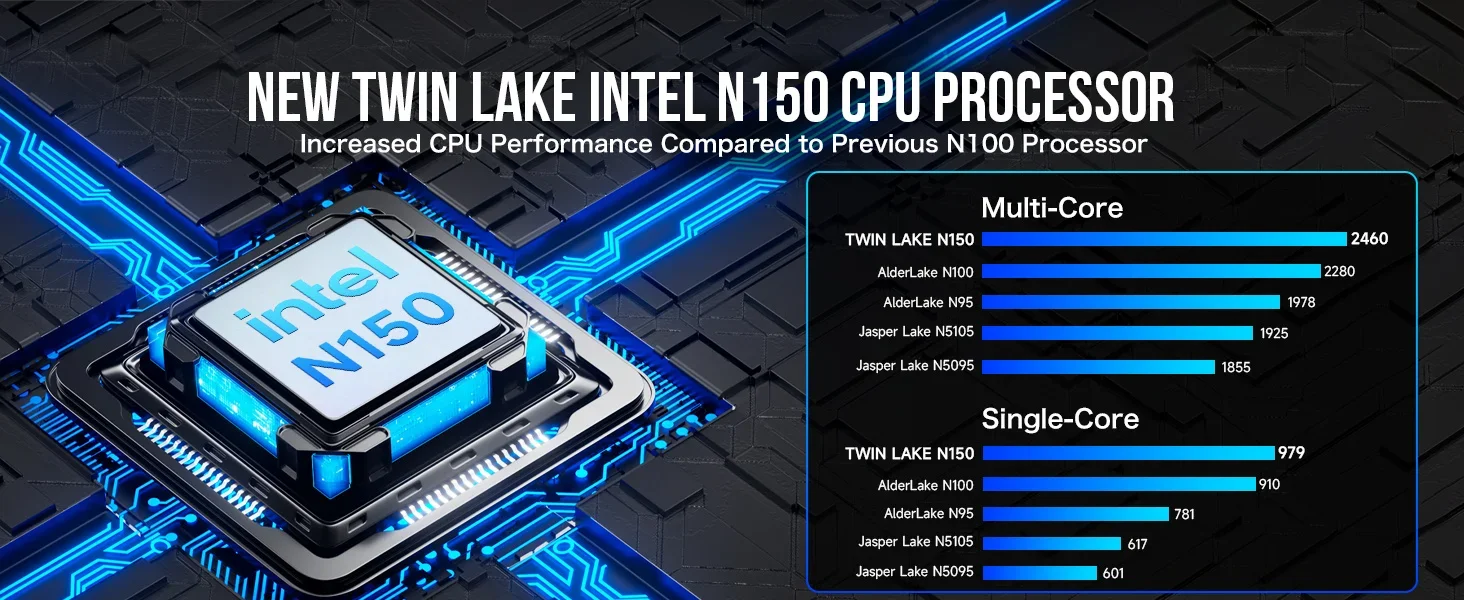
- Upgraded Intel N150 Processor: (4 Cores, 4 Threads, up to 3.6GHz) for efficient performance.
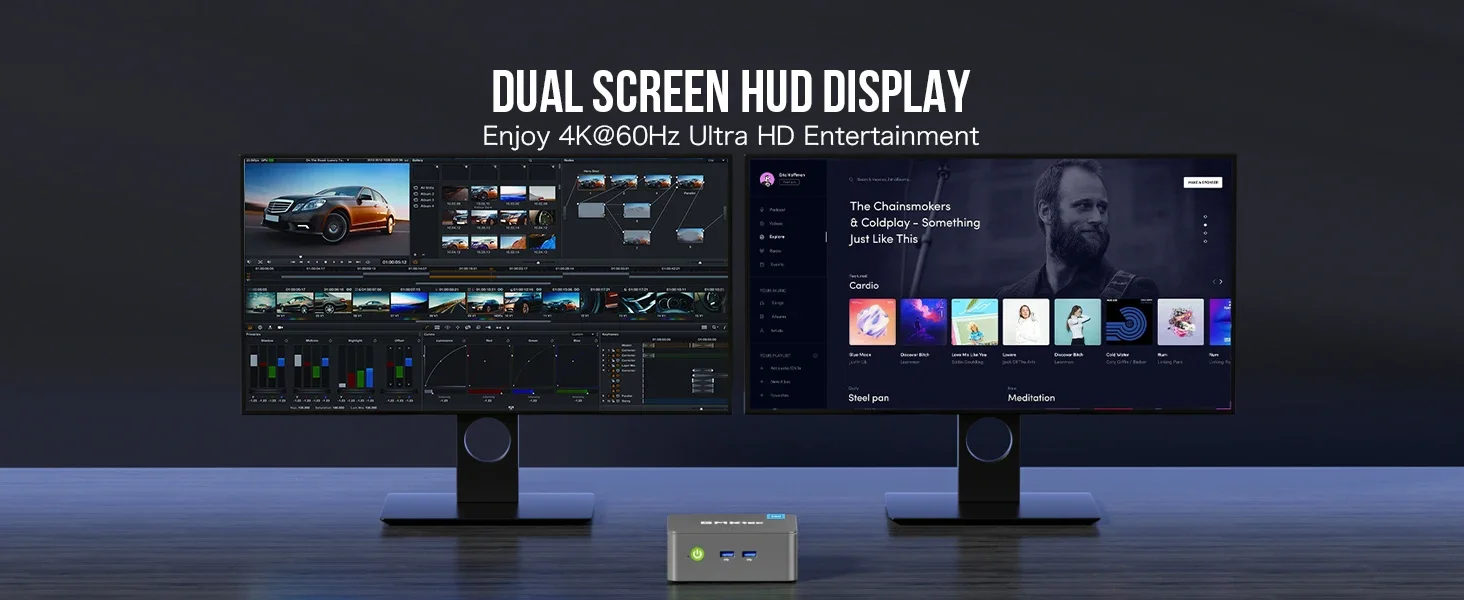
- Crisp 4K Graphics: Intel UHD Graphics (up to 1000MHz) with dual HD 4K@60Hz display support.
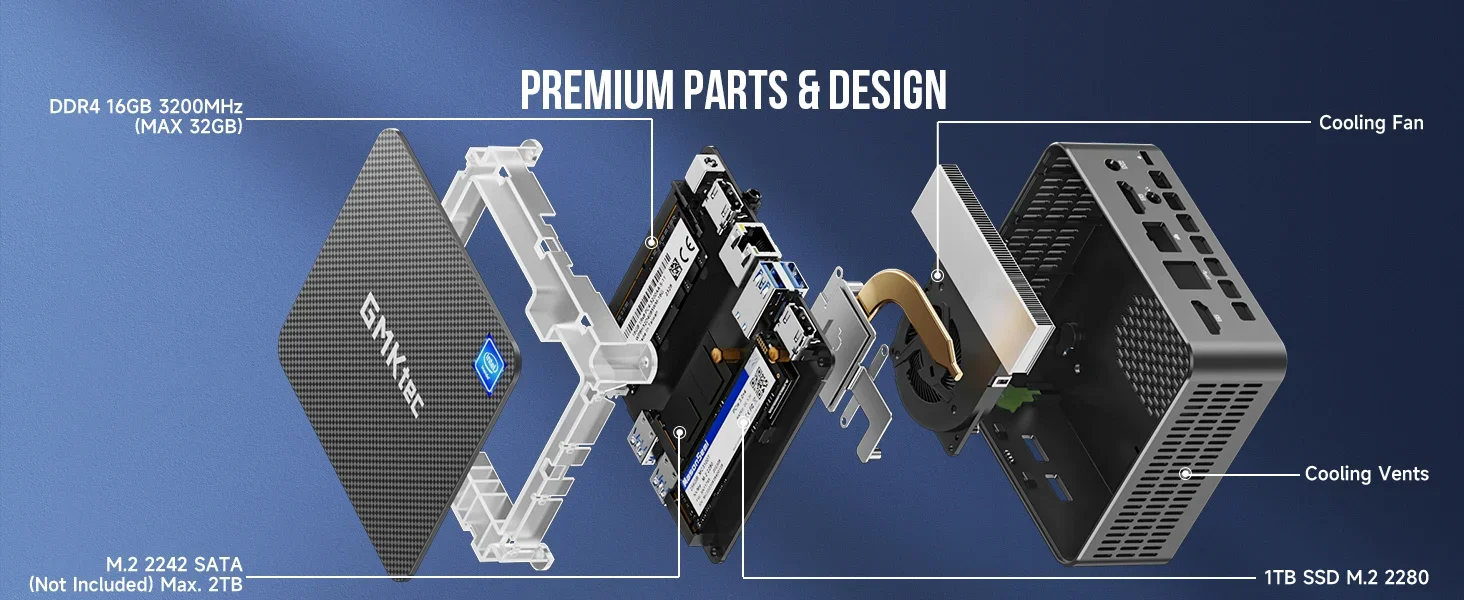
- Expandable Memory & Storage: Supports DDR4 3200 MT/s (up to 32GB) and M.2 NVMe PCIe 3.0 SSD (up to 4TB).
- Operating System: Pre-installed and activated Windows 11 Pro (supports Linux).
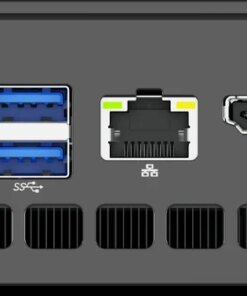
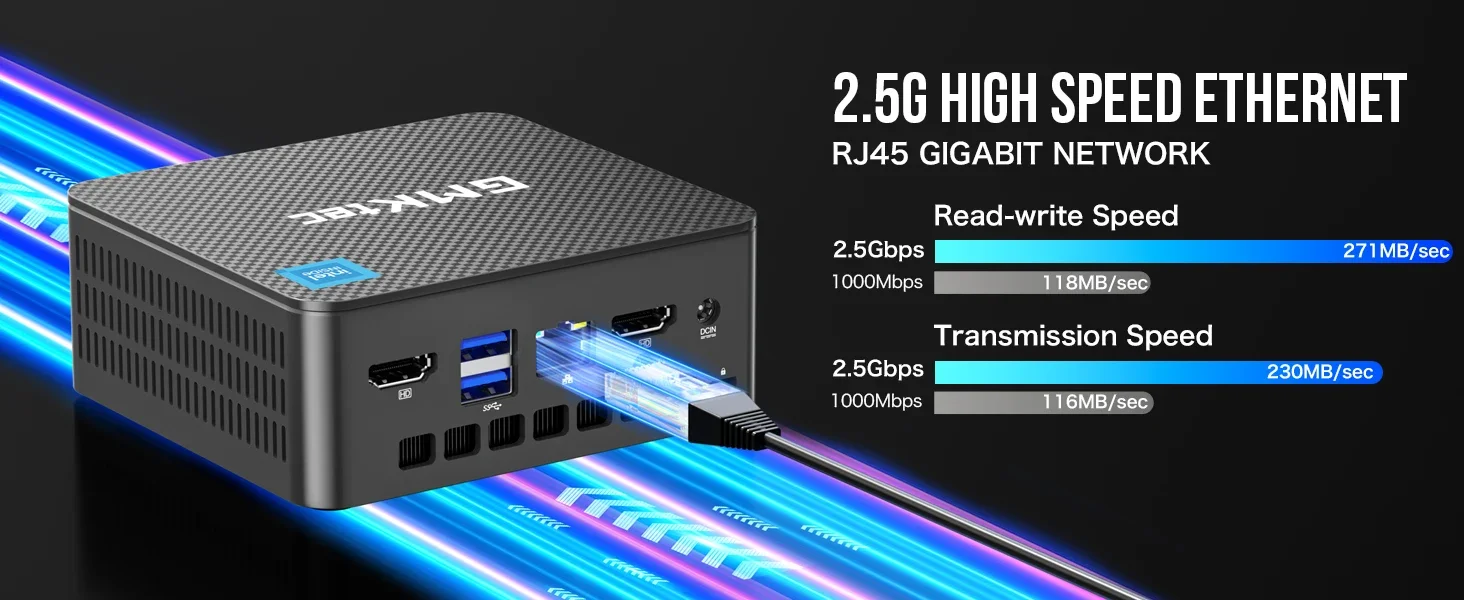
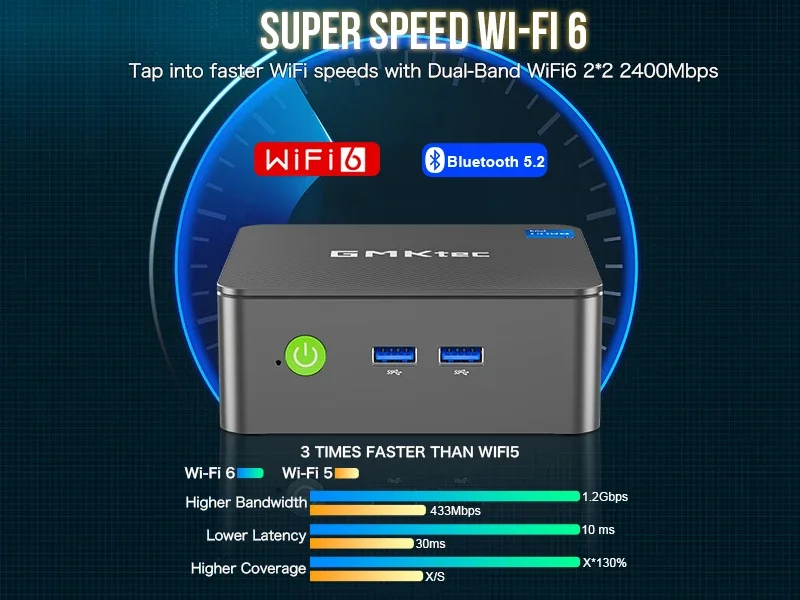
- Ultra-Fast Connectivity: WiFi 6, Bluetooth 5.2, and 2.5G Gigabit LAN (RJ45).
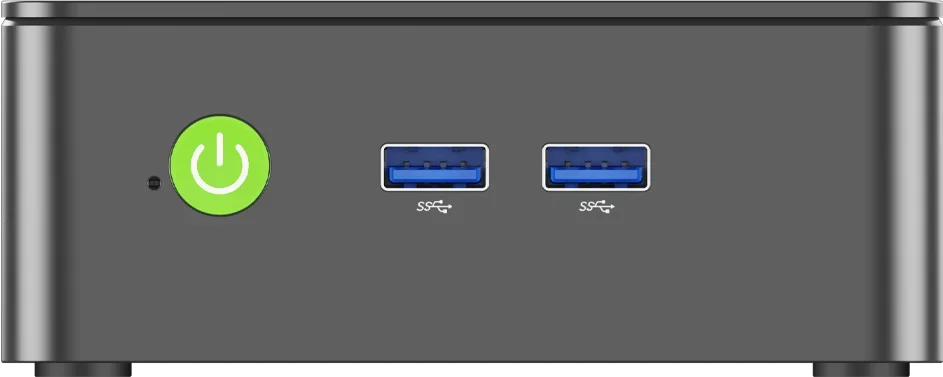
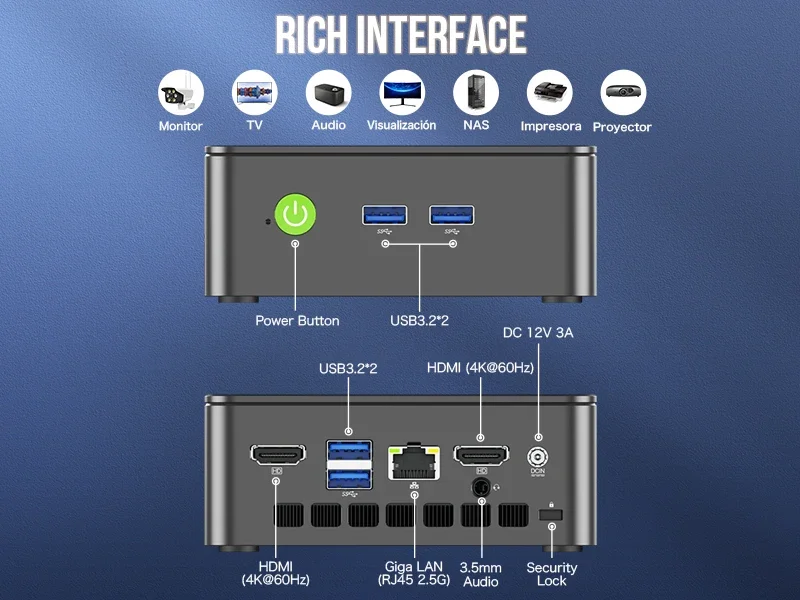
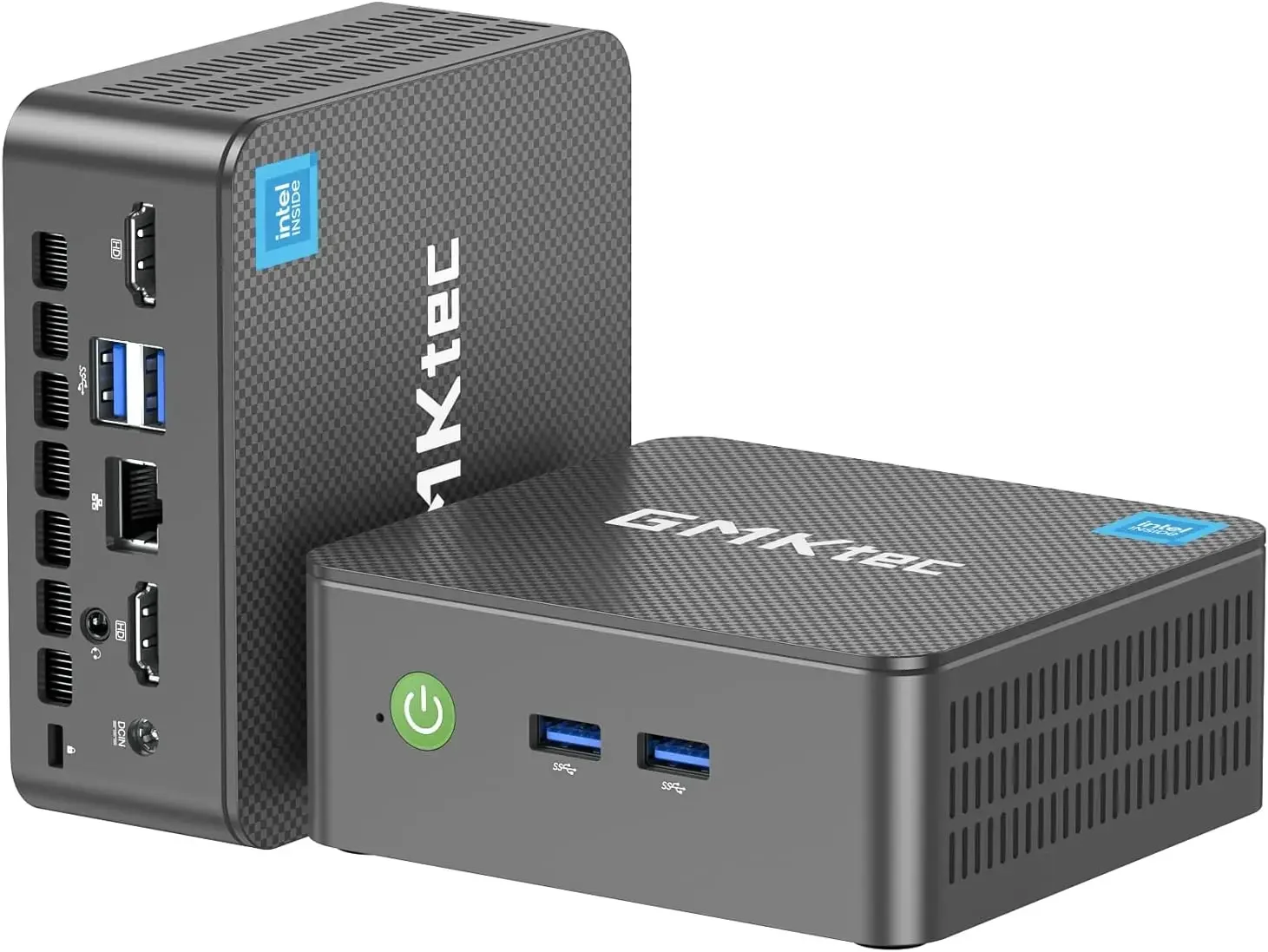
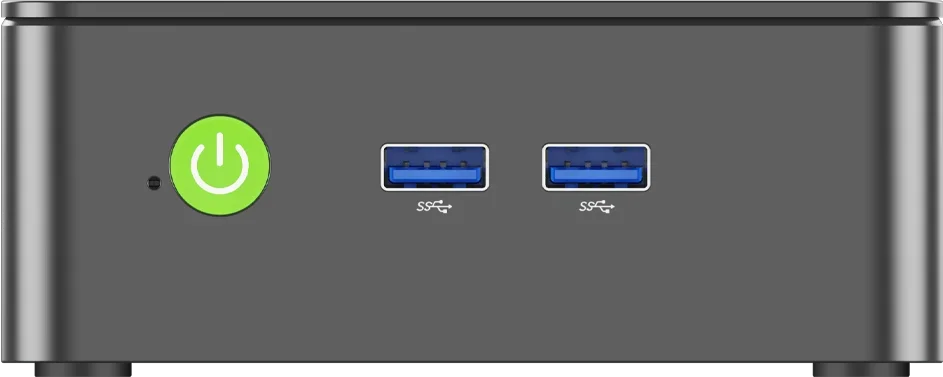
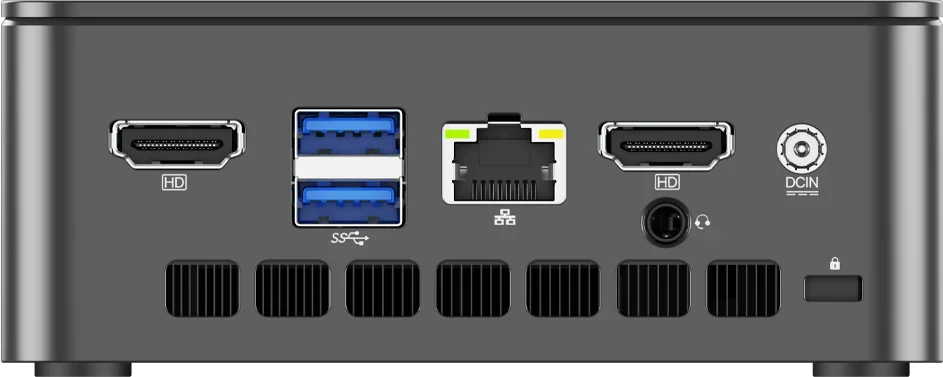
- Rich Interface: 4x USB 3.2 (Gen2*1), 2x HD, 1x 3.5mm headphone jack.
Important Note for Buyers:
- “NO RAM NO SSD NO OS” Option: This configuration does NOT include RAM, SSD, or Windows 11 Pro. You must purchase and install these components yourself.
- Other Options: All other configurations come with pre-installed and activated Windows 11 Pro.
Specifications:
- CPU: Intel N150 (4C/4T, MAX 3.6GHz)
- GPU: Intel UHD Graphics (Up to 1000MHz)
- RAM: DDR4 3200 MT/s, SO-DIMM*1 (max 32GB)
- Storage: M.2 NVMe PCIe 3.0 M.2 2280 (max 4TB)
- OS: Windows 11 Pro (installed), supports Linux
- Wireless: BT5.2 / WiFi 6
- Displays: 2x HD (4K@60Hz)
- Ports: 4x USB3.2, 1x 3.5mm Headphone Jack, 1x 2.5G Giga LAN (RJ45), DC IN (12V/3A)
Additional information
| Weight | 20 kg |
|---|---|
| Dimensions | 20 cm |
| Brand Name | GMKtec |
| Memory Capacity | 8GB |
| Hard Drive Capacity | 256GB |
| Model Number | GMKTec G3 Plus |
| Processor Model | Twin Lake N150 |
| Use | Household |
| Origin | Mainland China |
| Processor Main Frequency | 4C/4T, 6M Cache,up to 3.6GHz |
| Graphics Card Type | Integrated Card |
| Processor Brand | Intel |
| Type | Mini PC |
| GPU | Intel Graphics 1000MHz |
| RAM | DDR4 3200MHz.Max 32GB |
Reviews (1)
1 review for Mini Pc Nucbox G3 Plus Intel Twin Lake N150 Ddr4 Nvme Ssd Wifi6 Bt5.2 2.5g Rj45
Only logged in customers who have purchased this product may leave a review.
Shipping & Refunds 🔄
Shop with Confidence:
100% Money Back Guarantee.
Transactions protected by PayPal.
Connection secured by Cloudflare SSL.
Get the item you ordered or your money back.
Price and Postage:
Prices includes VAT.
Shipping details:
Enjoy a 100% free shipping option.
Returns and Refunds:
60 days returns and refunds.
Money Back Guarantee details here.
Shipping details:
Order dispatched within 24 Hours (1 day) after receiving cleared payment. *
Estimated delivery between 3 to 9 Business days Express Shipping to US.
Estimated delivery between 5 to 15 Business days Regular Shipping to US.
*Due to payment transfer delays, holiday delays or product high demand, sold out status, dispatch might extend from 1 to 5 business days processing time.
Please allow additional time if international shipping is subject to customs processing.
World wide shipping from Singapore, HK warehouses.
Please contact us for more details about Express shipping option here.
Read more about Shipping and Dispatch here.
Order Tracking:
A tracking number will be provided after the order is dispatched.
Track order here.
Loyalty Reward Points:
Customers earn 100 point for every 1 € spent.
Read more about returning customers reward points here.
Customer Support:
[email protected]
Contact us here.
M***m –
I am very happy with the seller. I made a mistake in choosing the wrong color, but the seller quickly resolved the issue. The shipment was fast. The product met my expectations, even surpassing them. One minor issue: the tracking information did not update.
Customer –
I wasn’t sure what to think about something so small, but it has been amazing. It is faster than my old system, which to be fair that one was 7 years old. I did have to buy a USB hub to have more USB plug-ins, but that is no big deal at all. It is fast enough and h as enough RAM and storage for everything I need. It is compatible with my job and school. I am thoroughly impressed and would totally recommend this computer.
T***k –
As described. 5 day delivery time! I’m using it for HomeAssistant.. a bit overkill but it works perfect!
Customer –
Since my Smart TV unfortunately couldn’t fully satisfy me when it came to the selection of apps, a PC had to come to the rescue, as it is almost impossible to use the Smart TV’s Internet app properly. However, a huge PC would not only look stupid, but would also take up far too much space, which is why I decided on a mini PC.
Customer –
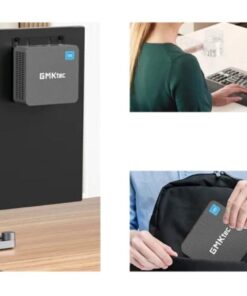
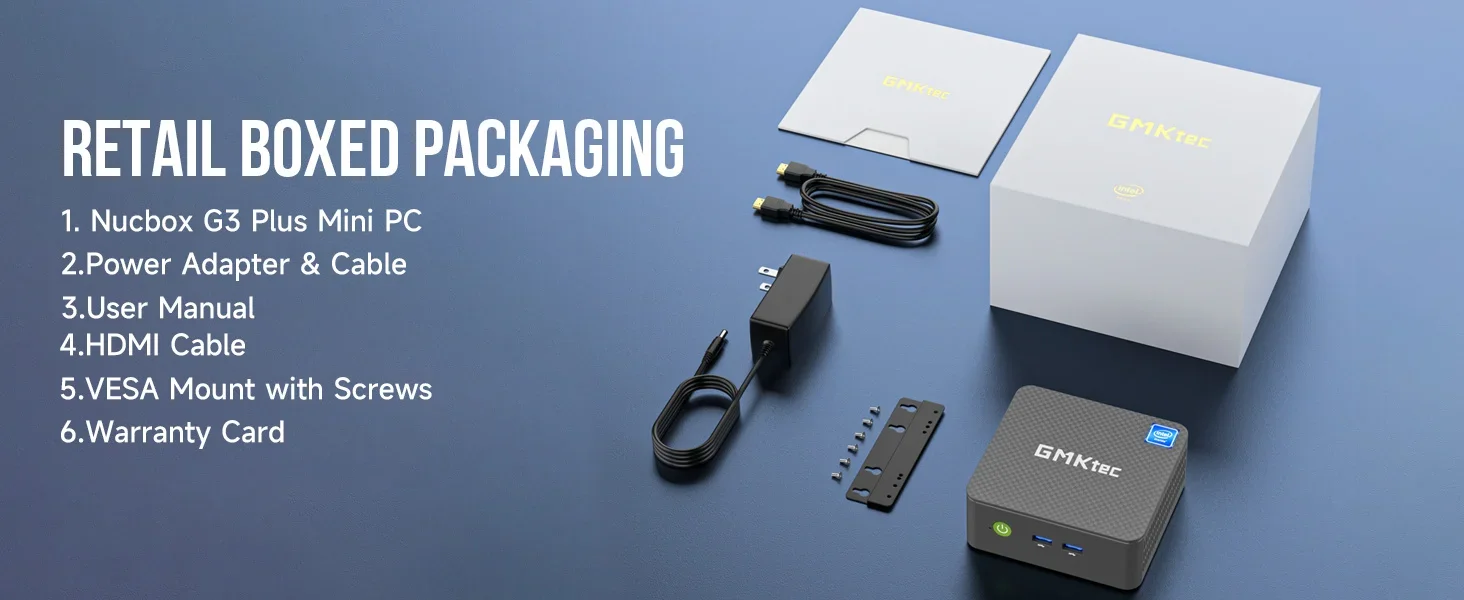
The pro:You can put two small SSDs M.2 in this little thing. I don’t know if that was mentioned in the specs. (Supports one M.2 NVMe 2280 and one M.2 SATA 2242, see new picture)The top just snaps off/on so its easy to get into.The performance is as expected with this cpu. It doesn’t get too hot under load.Came wih a bracket so you can hang this little thing on the wall. Screws included, see new picture. Cute.It has everything you need in a budget pc.The con:I didn’t trust the supplied Windows 11 Pro OS so I installed a clean Win 11 Pro instead.The on/off switch turns the damn thing off when it’s running if you touch it, without any confirmation.Perhaps it’s a setting somewhere I couldn’t find. Very annoying.
N***r –
I’ve been running this thing for a couple weeks now and I’m more than happy using it as a server! Make sure to go into the BIOS and set the performance mode to your liking if you want to squeeze out more performance.